A clearer picture.
A calmer month.
Card, cash, what you’ve paid and what’s coming up. Saldo calculates what’s left and carries your balance into the next month.
Your money in order. Your mind at ease. Saldo brings your spending, plans and wishes together in one simple, private app.
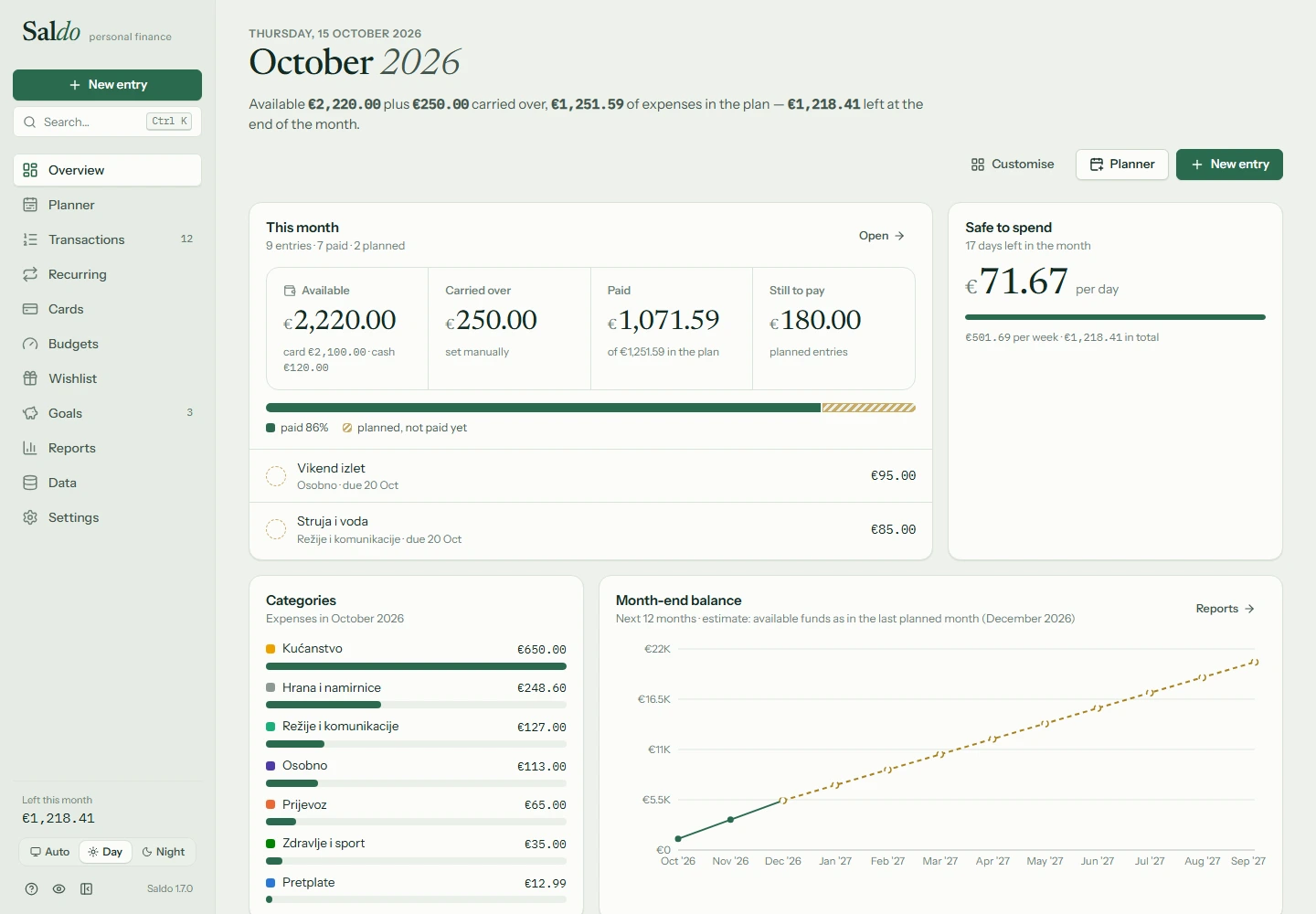
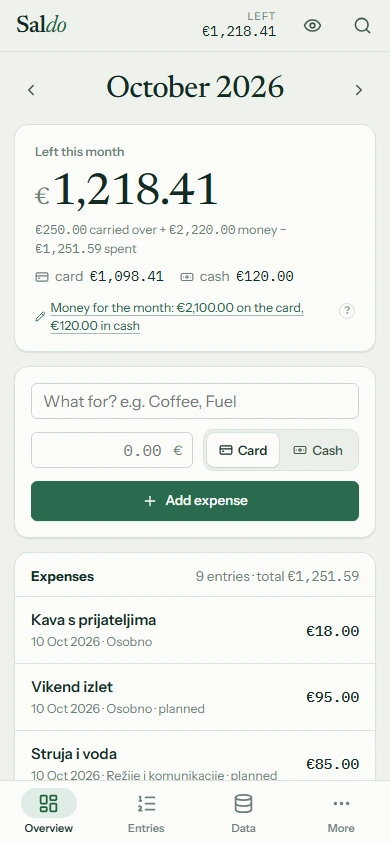
From your first coffee to your biggest life plans. Know where you stand today and what you can afford tomorrow.
Card, cash, what you’ve paid and what’s coming up. Saldo calculates what’s left and carries your balance into the next month.
Set category budgets, keep track of recurring bills and see how much you can safely spend each day.
Save for what matters to you. Track goals, organise your wishlist and see how a purchase fits your plan before you make it.
Simple enough for day one.
Powerful enough for all your plans.
Import Excel, CSV or a supported bank statement. Review changes before saving and export your data whenever you want.
Simple or advanced mode. Eight palettes, light and dark themes, and an overview you can arrange your way.
Optionally connect your devices through a shared file on Google Drive. You choose when and where to share your data.
Personal finances should stay personal. That’s why Saldo runs locally on your device. No user account, ads or telemetry.
A local database, with no Saldo server. You don’t need the internet for everyday use.
Save a backup locally or in a folder synced by your cloud provider. Connecting to the cloud is optional.
Hide your amounts with one shortcut when your screen isn’t just yours.
Make room for what matters. Saldo is coming to Windows and Android. Download files will be added here soon.
Your finances on the big screen. Installs just for you, with no administrator rights needed.
Windows version coming soonFor expenses on the go and plans over coffee. The same capabilities, designed for your palm.
Android version coming soonSaldo is in active development. This page introduces the app; installation files have not been published yet.
Yes. Saldo is a free personal finance app, with no ads or subscription. It is made by Tomislav Savić.
No. Saldo works locally without a user account. Internet is only needed if you choose cloud sync or cloud backups.
Yes. Import Excel (.xlsx), CSV and other supported formats, review data before saving, and export to Excel, CSV or JSON. Legacy .xls and PDF files are not supported.
The APK will be available here after release. You can then open it on a device running Android 8 or later. If Android asks, allow installation from that source. Save a backup before uninstalling: uninstalling removes the app’s local data.
Optionally. Open Data → Sync in the app and select a shared Saldo-sync.json file on Google Drive. On Windows, use the Google Drive for desktop folder; on Android, use the file picker. If you edit the same item on both devices, the newer change wins.